

What this verification route checks
Verify.ET uses the submitted CBE Birr receipt details to start a traceable verification request. The result popup shows the request status, receipt details, and repeat confirmation signals after the first run.
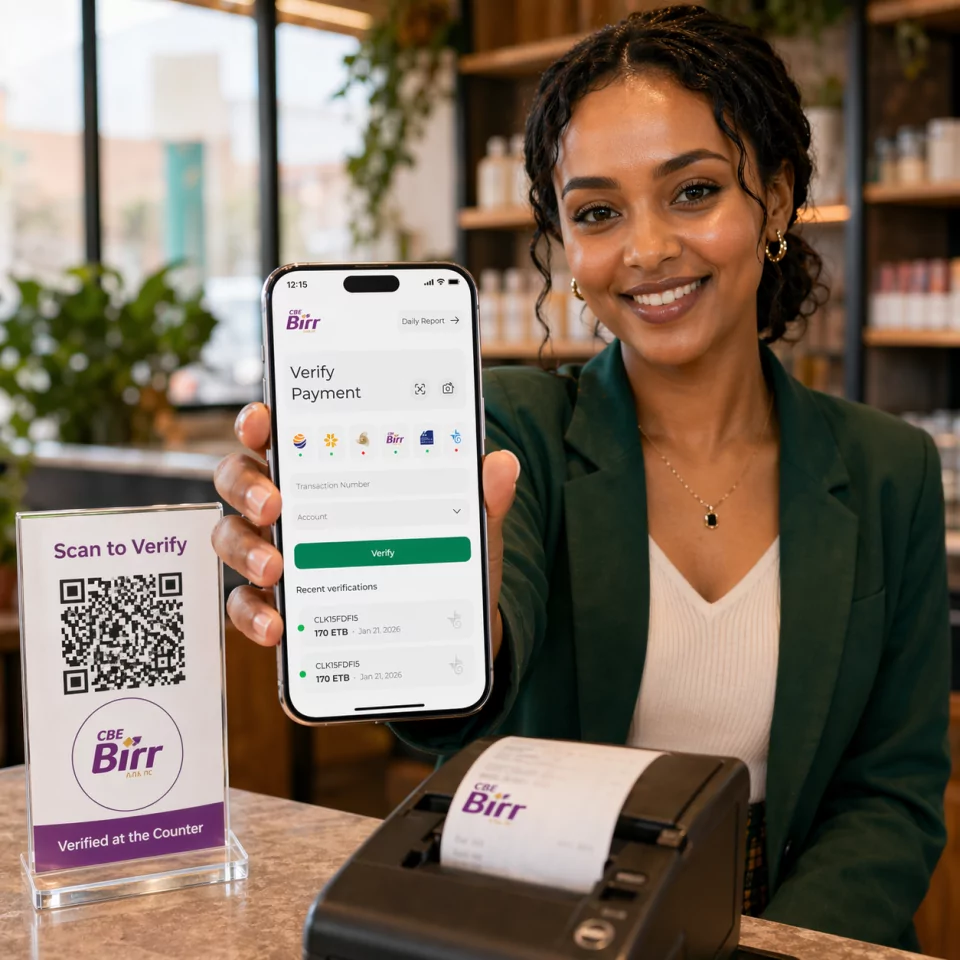
Bank Verification Guide
Check a CBE Birr receipt online by submitting the receipt number and phone number in 251XXXXXXXXX format. No account is needed to run the check. This route is for CBE Birr wallet receipts, not classic CBE FT bank transfers.
CBE Birr wallet payment verification using receipt numbers and phone details.
Who this route is for
Retailers and services that accept CBE Birr wallet payments and need phone-linked receipt checks.
Required Fields
Step-by-step
Need the SWIFT code instead? View CBE Birr SWIFT / BIC details.
Comparing tools? See Verify.ET vs manual checks, gateways, and open-source scripts.
Verify.ET uses the submitted CBE Birr receipt details to start a traceable verification request. The result popup shows the request status, receipt details, and repeat confirmation signals after the first run.
A successful CBE Birr check returns structured verification status plus available receipt fields such as amount, parties, reference, and timestamps when the provider data is available. Pending means the job is still processing; not found or failed means the details did not resolve to a usable receipt—re-check typing, suffixes, and provider status before releasing goods.
The public form expects 251XXXXXXXXX. Convert local mobile numbers before submitting.
CBE core banking FT references belong on /verify/cbe, not the CBE Birr wallet route.
Open the CBE Birr verification page, enter the receipt number and phone in 251XXXXXXXXX format, then submit the request.
CBE Birr verification expects the phone number in 251XXXXXXXXX format.
No. CBE Birr is the wallet flow with receipt number plus phone. CBE transfer verification uses the Receipt ID alone.

