

What this verification route checks
Verify.ET uses the submitted Siinqee receipt details to start a traceable verification request. The result popup shows the request status, receipt details, and repeat confirmation signals after the first run.
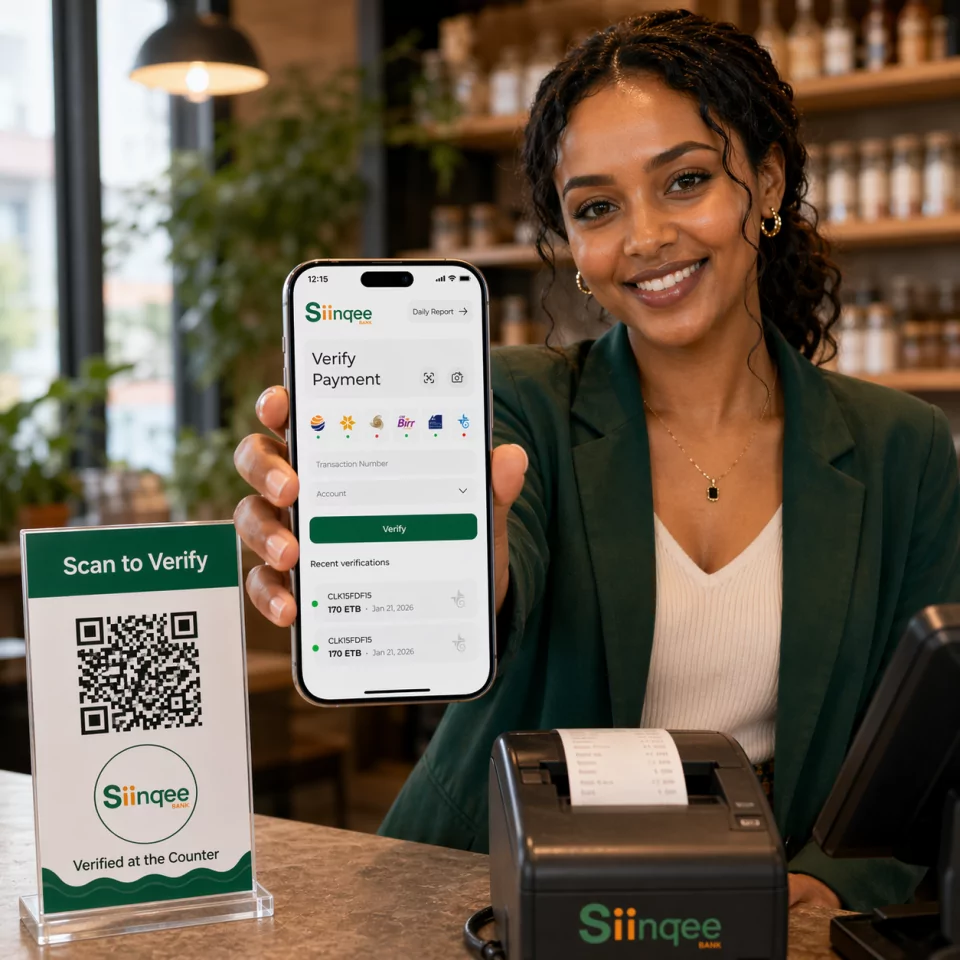
Bank Verification Guide
Verify Siinqee Bank transactions by entering the receipt URL or token into the Siinqee verification route. Built for teams that need the same operational history they already use for larger banks.
Siinqee Bank receipt URL and token verification for Ethiopian payment checks.
Who this route is for
Businesses receiving Siinqee receipts that still want multi-bank tooling in one place.
Required Fields
Step-by-step
Need the SWIFT code instead? View Siinqee SWIFT / BIC details.
Comparing tools? See Verify.ET vs manual checks, gateways, and open-source scripts.
Verify.ET uses the submitted Siinqee receipt details to start a traceable verification request. The result popup shows the request status, receipt details, and repeat confirmation signals after the first run.
A successful Siinqee check returns structured verification status plus available receipt fields such as amount, parties, reference, and timestamps when the provider data is available. Pending means the job is still processing; not found or failed means the details did not resolve to a usable receipt—re-check typing, suffixes, and provider status before releasing goods.
Copy the full token or URL. Partial pastes look valid to humans but fail upstream resolution.
If checks hang, review /status/siinqee before telling customers the payment is invalid.
Use the Siinqee Bank route, enter the receipt URL or token, and submit the request for a verification result.
Siinqee Bank verification uses the receipt URL or token from the payment receipt.
Yes. Successful and failed checks can appear in Verify.ET verification history like other supported banks.

